
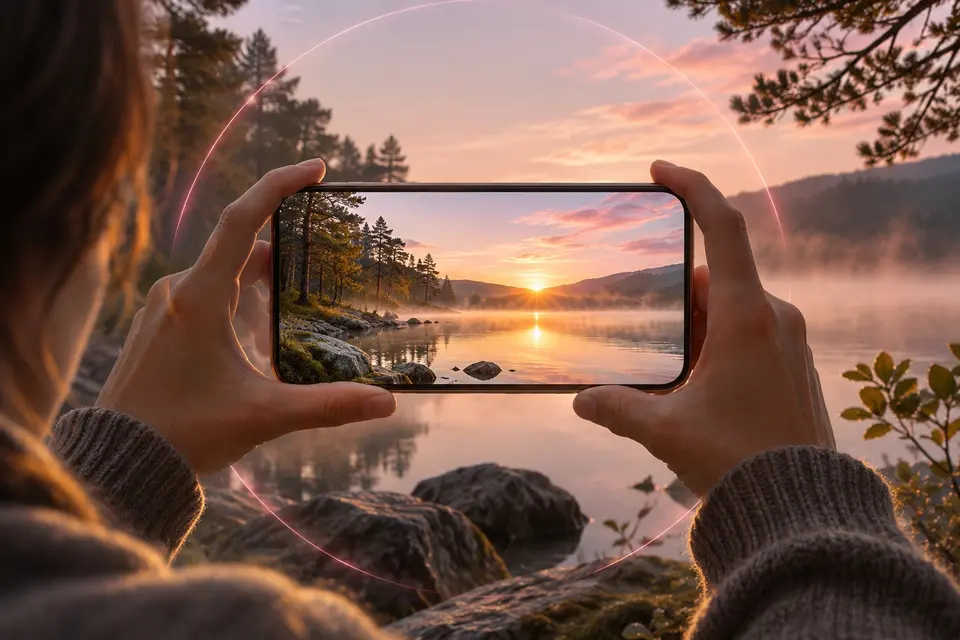
Phone and tablet 

- Look around 360° photos and videos, panoramas, VR180 and 3D
- Spatial 2.5D (head tracking)
- Stabilise your 360° videos with the camera's gyroscope
- Explore Gaussian splats on your phone, tablet or computer
It runs on phones, tablets, TVs, Meta Quest headsets and computers.


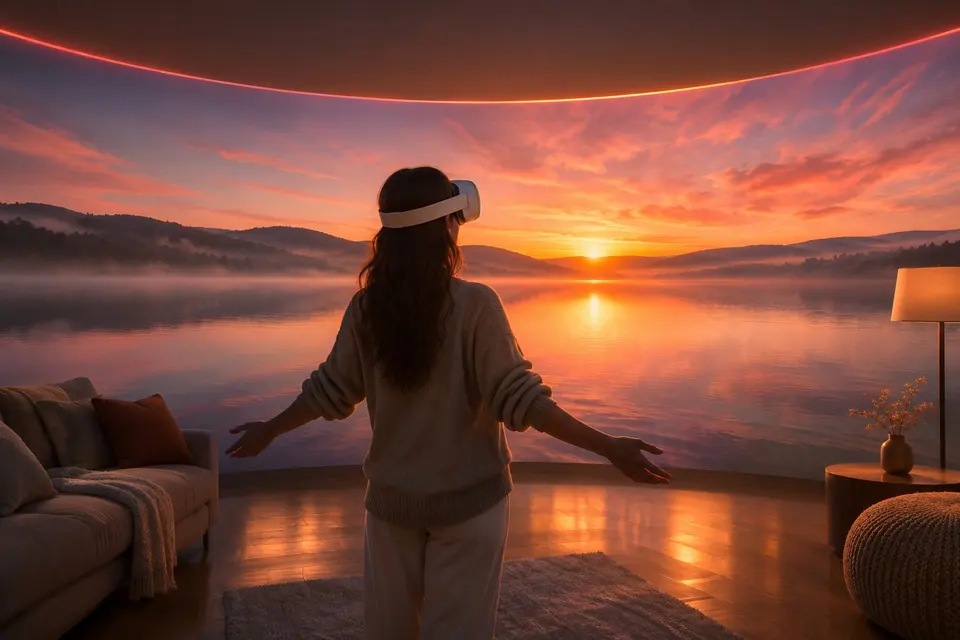

| Meta Quest | Quest |
|---|---|
| 360° photos as a sphere | immersive |
| 360° videos | immersive |
| 3D and VR180 | true 3D |
| Apple spatial photos | 3D |
| Gaussian splats, .spz and .plyExperimental | Quest 3 and 3S |
| 3D photo from a 2D photo (AI)Experimental | AI relief in the headset |
| 360° panorama from a 2D photo (AI)Experimental | reads it all around you |
| Kiosk mode for visitorsExperimental | Yes |
| Flat 3D by file name, sharper screens you moveExperimental | Yes |
| 3D scene from a 2D photo (AI)Experimental | explored in 3D |
| Raw Insta360, GoPro and DJI files | Yes |
| The DJI drone's live videoExperimental | relayed by a phone |
| Gallery, albums, search with an Immich server | Yes |
| Sign in with your phone (QR code) | code typed on the phone |
| Without a server: the device's own media | Yes |
| A folder of the device, opened like a share | Yes |
| SMB, WebDAV, DLNA shares | Yes |
| Plex Media Server | Yes |
| Tapo cameras: live view | Yes |
| Films pick up where you stopped | immersive too |
| TIFF photos | immersive too |
| Upload to Immich from shares and the device | Yes |
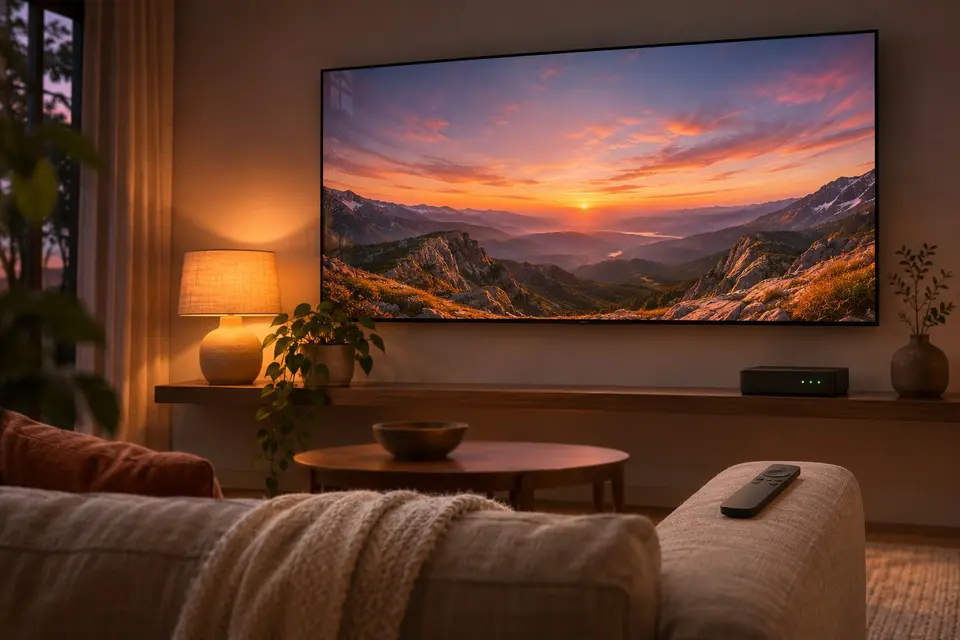

| TV | Android TV | LG webOS | Samsung Tizen |
|---|---|---|---|
| 360° photos as a sphere | Yes | Yes | Yes |
| 360° videos | Yes | ||
| Raw 360° videos stabilised with the camera's gyroscopeExperimental | Yes | ||
| Raw Insta360, GoPro and DJI files | Yes | ||
| Sign in with your phone (QR code) | Yes | in the phone's browser | |
| 360° panorama from a 2D photo (AI)Experimental | reads it | reads it as a 360° photo | reads it as a 360° photo |
| The DJI drone's live videoExperimental | relayed by a phone | ||
| SMB, WebDAV, DLNA shares | Yes | SMB from webOS 22 | |
| Gallery, albums, search with an Immich server | viewer | viewer | viewer |
| 3D and VR180 | one eye | photos one eye | photos one eye |
| 3D photo from a 2D photo (AI)Experimental | reads it | reads it | reads it |
| Plex Media Server | Yes | Yes | |
| Tapo cameras: live view | Yes | video only | |
| Tapo cameras: recordings | Yes | ||
| Rotate a photo with one key | colour keys | colour keys | Yes |
| Films pick up where you stopped | Yes |
a gallery and a player, on the device alone or with your Immich server.
a sphere you turn with a finger, the phone or the remote.
made by AI on your computer, seen in 3D in a Meta Quest, which also gives any flat photo its relief.
ExperimentalAndroid TV and Google TV, LG TVs, and Samsung TVs as a test build.
scan its QR code, confirm, watch.
360° all around you, 3D in true 3D.
the 3D captures of Polycam, Scaniverse or Luma, in your room.
Experimentalon an Android phone or tablet, or on Windows, Linux and macOS, and you walk through the scene.
Experimentala place or an object rebuilt on a Windows computer, to walk through.
Experimentalinside a photo of it, opened from your timeline.
Experimentalin place, nothing copied.
a folder of the device opened like a share, its TIFF photos too.
a bar on its tile, and it plays on from where you left it.
the file this device decodes, how long before it starts, and why.
the Immich mobile app, plus the immersive viewers and the big screens.
months, then years, one tap to open.
live, and the recordings of their memory card.
through a DJI RC-N3 remote, receive only.
Experimentalover USB, from an Android phone.
ExperimentalInsta360, GoPro MAX and DJI Osmo 360, stitched by the app.
the horizon level and the shake gone, in the 360° player of Android phones, tablets and TVs.
Experimentala button, a key of the keyboard or a colour key of the remote.
your folders, Open with, a file dropped on the window.
decoded by the processor, as fast as your computer allows.
ExperimentalWindows · macOS · Linux · Android TV · LG · Samsung · APK
Build 42 on GitHub, 6 November 2026 · Desktop build 22, 6 November 2026
