
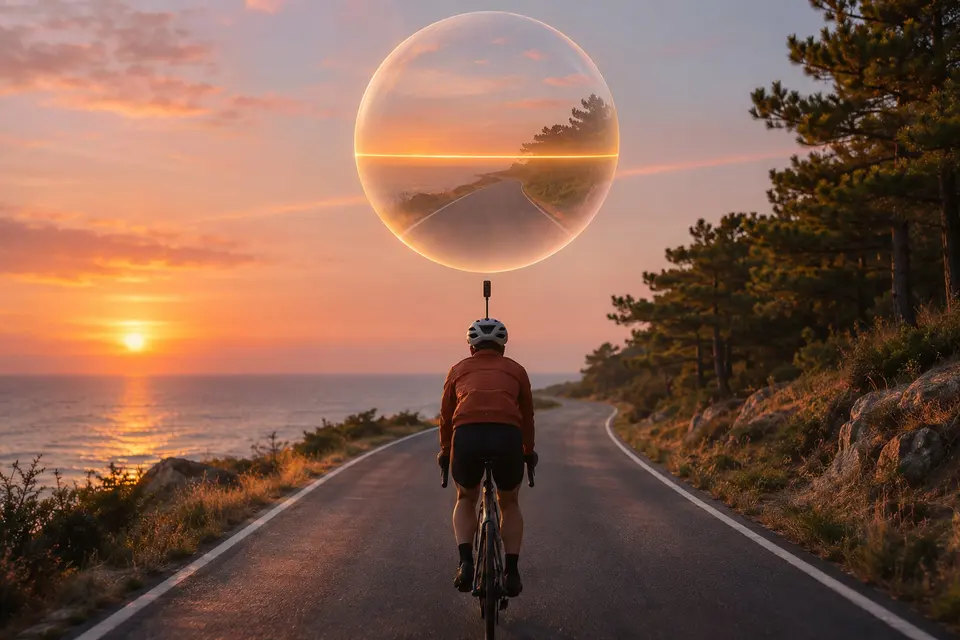
You film with a 360° camera in your hand, on a bike or on a helmet
Hold steady.
The horizon level and the shake gone, in the 360° player of Android phones, tablets and TVs.
Experimental New in build 42
 Android phones and tablets
 Android TV and Google TV
Stabilise your 360° videos with the camera's gyroscope (experimental)
A 360° video filmed in the hand, on a bike or on a helmet shakes, and its horizon leans. The cameras record their own motion in the raw file without stabilising its pixels. From build 42, the 360° player of Android phones, tablets and TVs reads that motion, recorded by the camera's gyroscope, and turns each frame back: the horizon stays level, the shake goes and the view follows the road when you turn. The Immich app has nothing like it.
- Put the raw videos where the app reads them: your Immich server takes the .insv videos of an Insta360 X3, X4 or X5 as they are, and a network share or a folder of the device also holds the GoPro MAX (.360) and DJI Osmo 360 (.osv) videos, which an Immich server does not take. Keep both files of a recording made of two files together, as in Open the raw files of 360° cameras.
- Open the video from your timeline, a share or "Browse a folder" and tap 360°: it starts at once, and "Stabilised with the camera's gyroscope" shows for a few seconds.
- The stabilisation button, in the top bar of the player next to the audio, 360° and 3D buttons, turns it off to see the video as it was filmed, and on again. "Stabilise with the camera's gyroscope (experimental)", in Settings, Asset Viewer, Videos, follows the button and keeps your choice for the next videos.
On which screens
| On which screens | Phone and tablet | Computer | Meta Quest | TV |
|---|---|---|---|---|
| Raw 360° videos stabilised with the camera's gyroscopeExperimental | Yes | Yes |
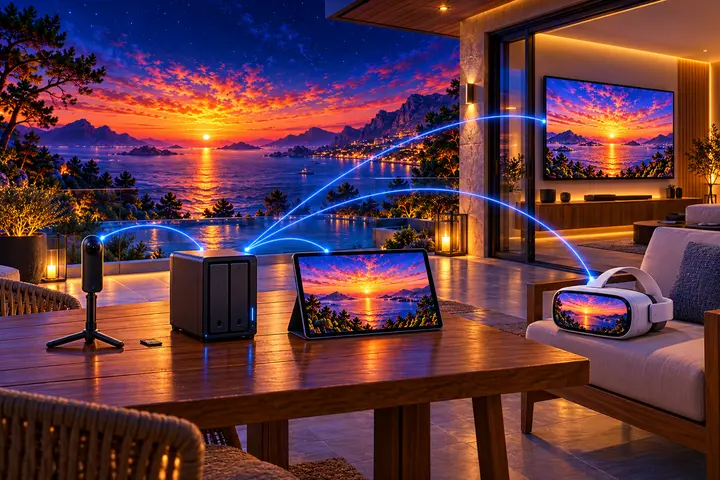

Get it on your screens.


GitHub
Windows · macOS · Linux · Android TV · LG · Samsung · APK
Build 42 on GitHub, 6 November 2026 · Desktop build 22, 6 November 2026