
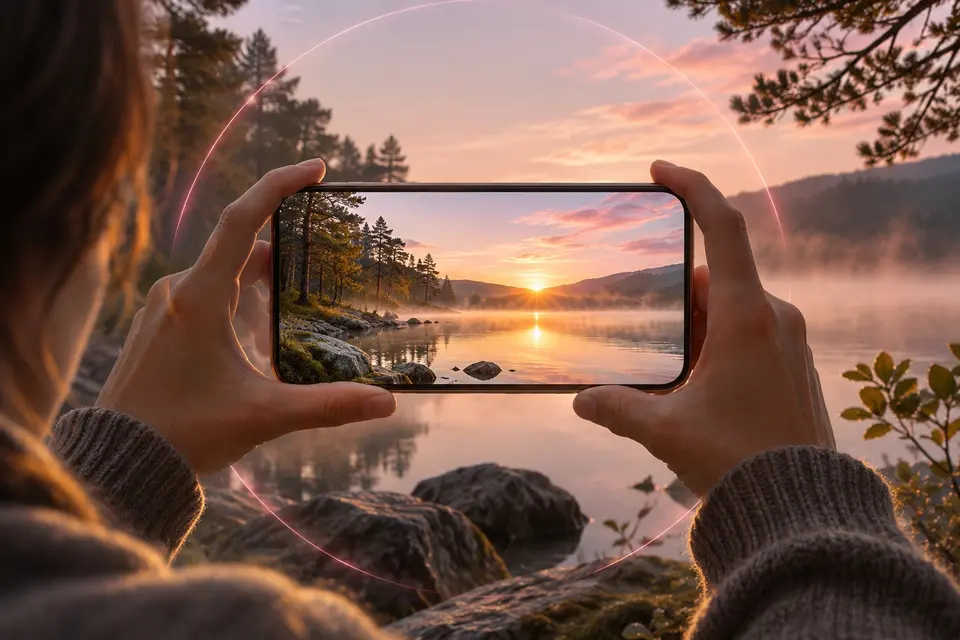
You shoot 360° or 3D
Look around.
A sphere you turn with a finger, the phone or the remote.
 Android phones and tablets
 iPhone and iPad
 Android TV and Google TV LG TVs (webOS) Samsung TVs (Tizen)
 Meta Quest
 Windows macOS
 Linux
Explore panoramas, 360°, VR180 and 3D
Immuch360 knows flat photos and videos, panoramas, 360° photos and videos, VR180, stereoscopic 3D, Apple spatial photos and the 360° spheres of DJI drones, and opens each one in the viewer that fits it. A 360° photo opens as a sphere you turn with a finger or by moving the phone; a 360° video plays in a spherical player with sound; VR180 files are drawn on a half sphere; stereoscopic 3D files show one eye on a flat screen and both eyes in a headset. Partial panoramas keep their crop, and the picture starts on the view the camera recorded. A file the server does not flag can be viewed as 360° with one tap.
- Open the photo or video. 360° files carry a 360° badge on their thumbnail, and the Library tab has a 360° list that gathers them, with filters by period, source, kind and camera.
- Tap 360° in the top bar. Drag to look around, pinch to zoom, tap the gyroscope button to look around by turning the phone.
- The 3D button cycles "Mono (not 3D)", "3D, top and bottom" and "3D, side by side"; the 360°/180° button switches between the full sphere and the half sphere of VR180.
- For a file that shows flat although it is a 360° one: ⋮ at the top right, then "View as 360°".
Browse a folder of your phone or headset
On this device lists the albums of the device one by one, without their subfolders, so a folder of films in Download/Quest or a folder of splats does not show there as it sits. "Browse a folder" opens a folder of the phone, the tablet or the Meta Quest like a network share, with all its subfolders, and keeps it in your list.
- Library, On this device, "Browse a folder" (or Network shares, +, "Browse a folder of this device").
- The folder picker of Android opens in Download: pick a folder inside it, such as Download/Quest, then "Use this folder" and "Allow". Android 11 and later let apps open a folder inside Download, not Download itself, and the photos placed directly in Download stay in the Download album.
- The folder opens with its subfolders, its photos and videos with their 360° and 3D badges and, in the headset, its Gaussian splats. It stays at the top of On this device; "Cannot be read now" means it was moved or unplugged, and its cross takes it off the list, with Undo, leaving the files on the device.
- A long press, or Select, then "Upload to Immich" sends files to your Immich server.
On which screens
| On which screens | Phone and tablet | Computer | Meta Quest | TV |
|---|---|---|---|---|
| 360° photos as a sphere | Yes | Yes | Yes | Yes |
| 360° videos | Yes | Yes | Yes | Yes |
| 3D and VR180 | Yes | Yes | Yes | Yes |
| Spatial 2.5D (head tracking)Experimental | Yes | |||
| Apple spatial photos | Yes | Yes | Yes |
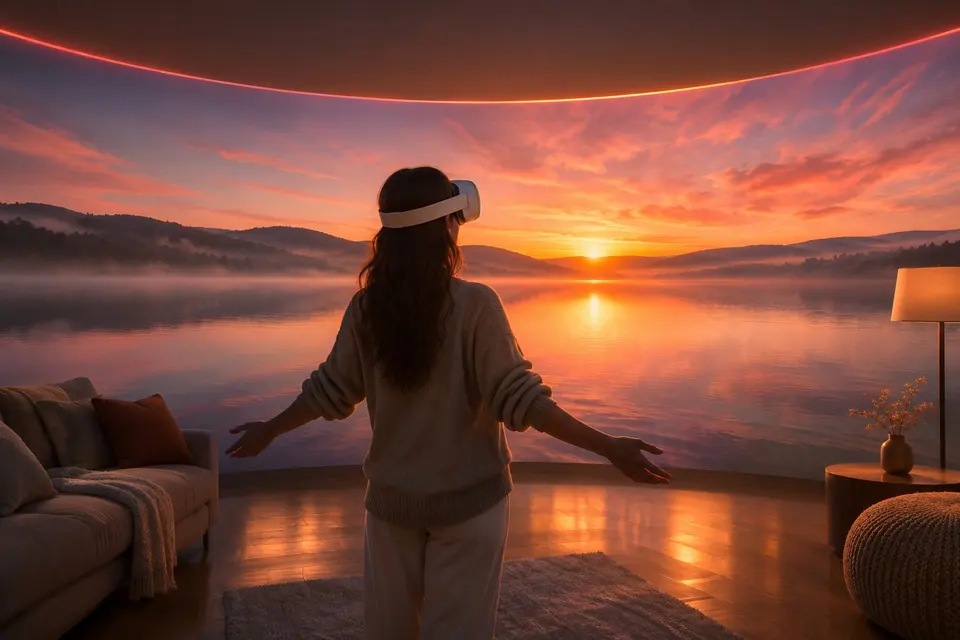
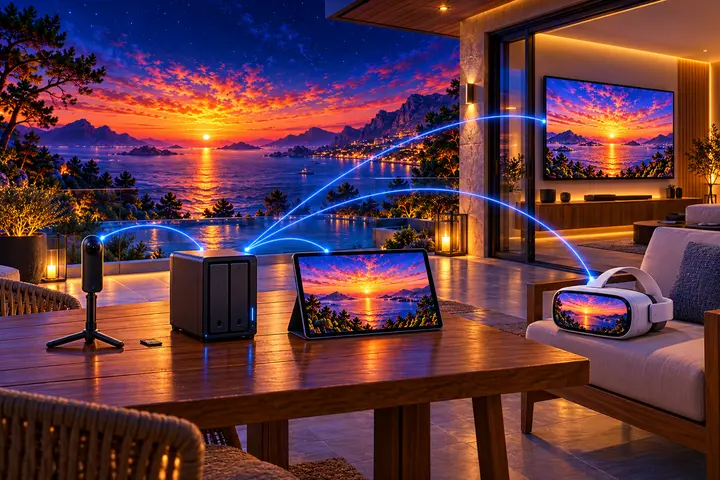

Get it on your screens.
GitHub
Windows · macOS · Linux · Android TV · LG · Samsung · APK
Build 42 on GitHub, 6 November 2026 · Desktop build 22, 6 November 2026