

You watch your home with Tapo cameras
Your cameras.
Live, and the recordings of their memory card.
 Android phones and tablets
 iPhone and iPad
 Android TV and Google TV LG TVs (webOS)
 Meta Quest
 Windows
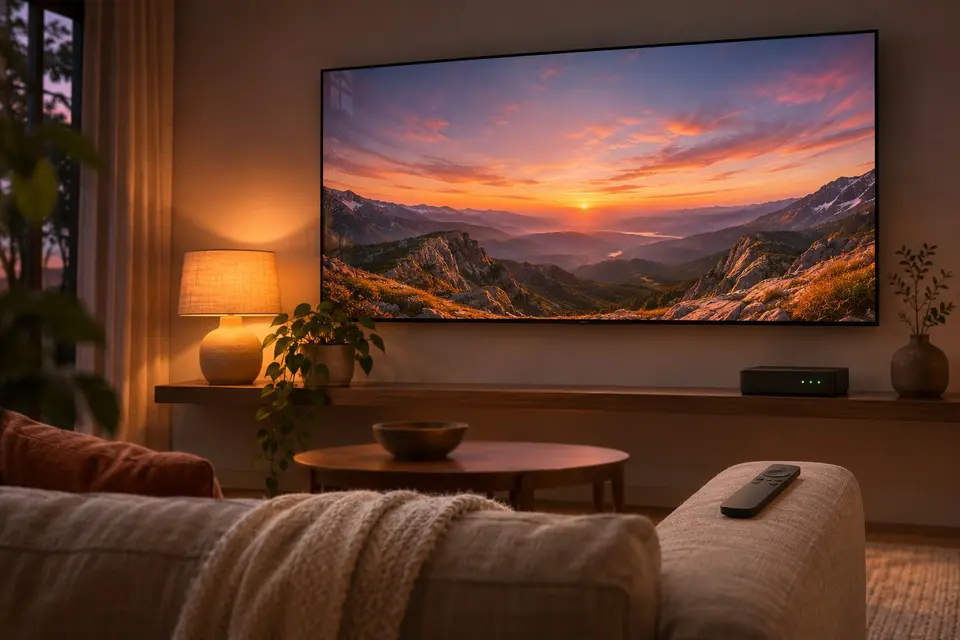
Watch your home cameras on the big screen
Your Tapo cameras of TP-Link, next to your photos, without the Tapo app. The app shows a camera live (Android phones and tablets, Android TV, the Meta Quest, Windows and, video only, LG TVs) and lists the recordings of its memory card day by day (phones, tablets, Android TV, the Quest and computers). A clip is fetched from the camera, plays like any video and can be sent to Immich. The app talks to the camera on your network only, never to the servers of TP-Link, and never changes anything on the camera.
- In the Tapo app first: create the camera account (settings of the camera, Advanced Settings, Camera Account), used for the live view, and turn on Third-Party Compatibility, under Me, then Tapo Lab.
- In Immuch360: Library, Network shares, + and "A Tapo camera". Tap your camera under "Found on the network", or type its address.
- Type the password of your TP-Link account for the recordings, the camera account for the live view, or both; then "Test the camera", and Save.
- Tap the camera: its live view is at the top of its page, with the sound, SD or HD and Full screen; below it come the days with recordings. Tap a clip to fetch it and play it; its ⋮ menu has "Upload to Immich".
On which screens
| On which screens | Phone and tablet | Computer | Meta Quest | TV |
|---|---|---|---|---|
| Tapo cameras: live view | Yes | Yes | Yes | Yes |
| Tapo cameras: recordings | Yes | Yes |

Get it on your screens.

GitHub
Windows · macOS · Linux · Android TV · LG · Samsung · APK
Build 42 on GitHub, 6 November 2026 · Desktop build 22, 6 November 2026