
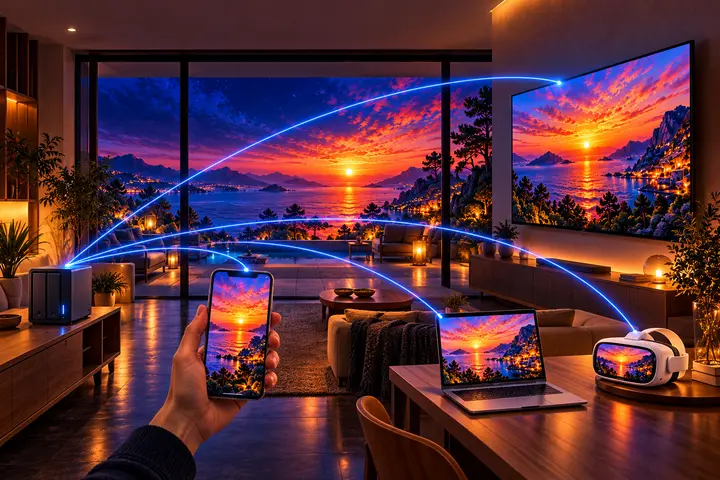
You run Immich
With Immich.
The Immich mobile app, plus the immersive viewers and the big screens.
 Android phones and tablets
 iPhone and iPad
 Android TV and Google TV LG TVs (webOS)
 Meta Quest
 Windows macOS
 Linux
Keep your Immich library, with more
With an Immich server, Immuch360 is the Immich mobile app, with the same server and the same account as the web app: backup, timeline, albums, search, people, memories, sharing, partners, all synced with your server. It installs next to the official app. On top of it: the 360° badge and list, every immersive viewer, the choice between the original file and the server's transcoded stream for each video, the technical details of a video, and the files of a share or of the device sent to your server by hand.
- On the welcome page, tap "Connect to an Immich server", then log in with your server address, your email and your password, as in the Immich app; Back returns to the welcome page. Up to build 23 the login page opens directly. Your library, albums and backup settings are those of your account.
- In Settings, Asset Viewer, Videos, "Video source" picks the original when this device decodes it, always the original, or always the transcoded stream.
- To show a 360° photo to someone who does not have the app, share it with an Immich shared link: the Immich web app shows it as a sphere in their browser.
On which screens
| On which screens | Phone and tablet | Computer | Meta Quest | TV |
|---|---|---|---|---|
| Gallery, albums, search with an Immich server | Yes | Yes | Yes | Yes |
| Upload to Immich from shares and the device | Yes |
Compared with Immich
The same
- your Immich server and account: backup, timeline, albums, search, people, memories, sharing and partners, all synced with your server
In addition
- No server neededit also runs without a server or an account, on the photos and videos of the device, the folders of a computer and network shares
- 360° and immersive360° photos and videos as a sphere, panoramas, VR180 and 3D, an immersive view in a Meta Quest, a 360° badge and a 360° list, and on Android phones, tablets and TVs the raw videos of Insta360, GoPro MAX and DJI Osmo 360 cameras stabilised with the camera's gyroscope (experimental)
- 3D from your photoson a computer, one photo becomes a 3D photo, a 3D scene or a 360° panorama, and in a Meta Quest 3 or 3S any flat photo gets its relief: made by AI on your own computer and headset, labelled as such in the app and in the files, the original never changed
- Gaussian splatsopened on Android phones and tablets, computers and the Meta Quest 3 and 3S, made from your photos or a video on a Windows computer, and kept on your Immich server inside a photo, since the server takes no .spz or .ply file
- On the TVthe same app on Android TV and Google TV, and a TV app for LG TVs, also packaged for Samsung TVs as a test build
- Sign in with your phonea TV, a headset or a computer is signed in when your phone scans its QR code, and your password stays on the phone
- Shares and PlexSMB, WebDAV and DLNA shares and Plex servers, played in place, and their files sent to your server by hand
- Tapo camerasthe live view and the recordings of the memory card, next to your photos
- One key rotationthe Immich app turns a photo in its editor
- Videosaudio and subtitle menus in the Android player, which the Immich app's Android player does not have
- Your dronea DJI drone's photos and videos sent over USB, with the videos placed on the map from its flight data, where the Immich app backs up only what is already in the phone's gallery
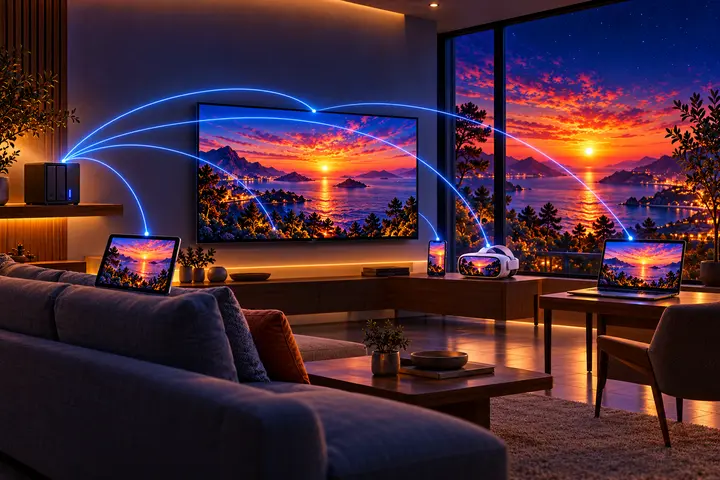

Get it on your screens.
GitHub
Windows · macOS · Linux · Android TV · LG · Samsung · APK
Build 42 on GitHub, November 6, 2026 · Desktop build 22, November 6, 2026