
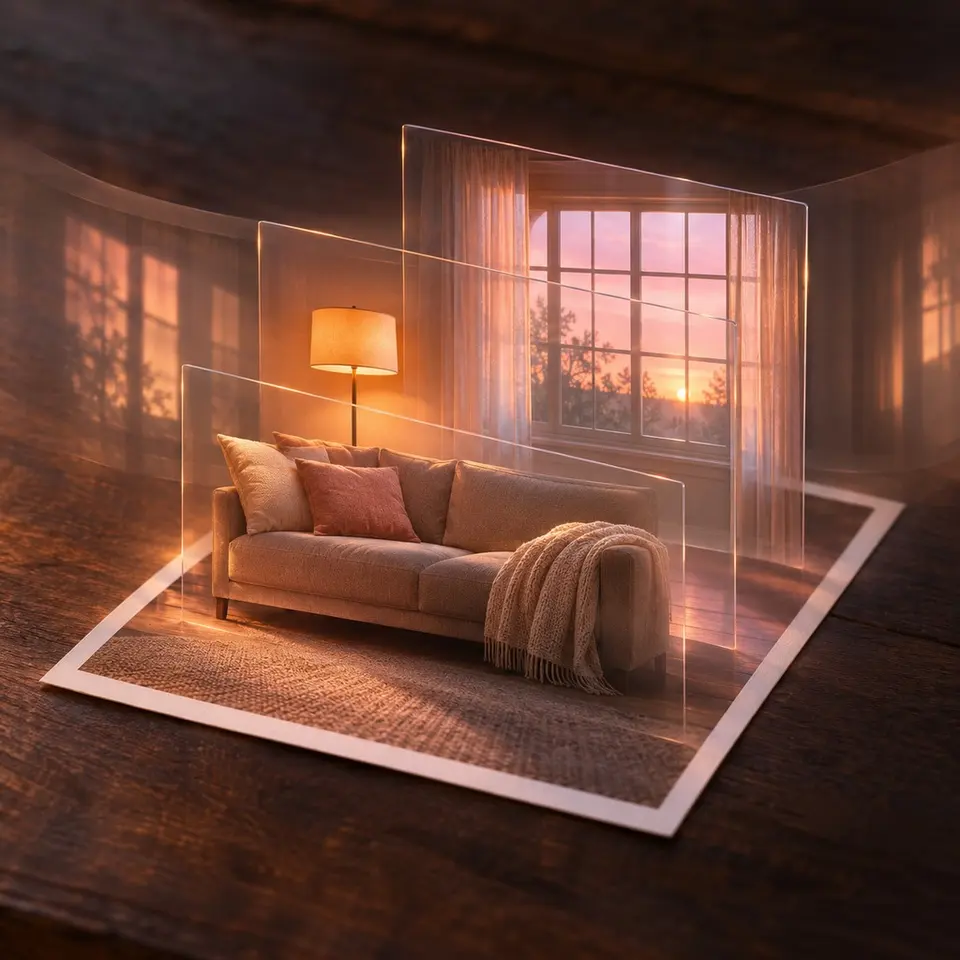
Your photos are flat
Give depth.
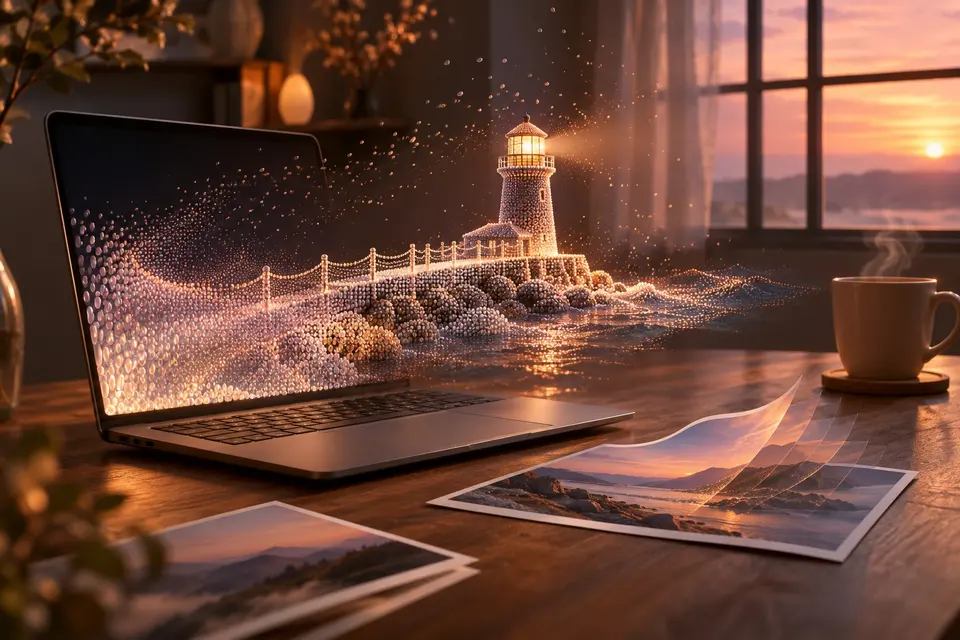
Made by AI on your computer, seen in 3D in a Meta Quest, which also gives any flat photo its relief.
Experimental
 Windows
 Linux
 macOS
 Meta Quest
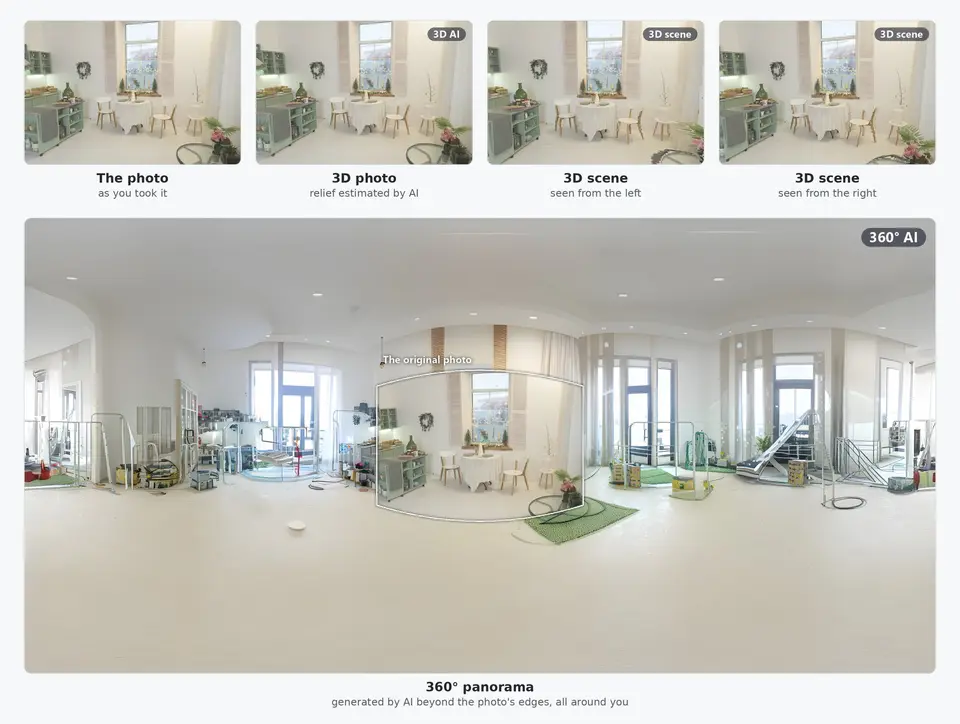
Turn one photo into 3D, a scene, a panorama
Most of your photos are flat, and you cannot go back and take them again in 3D. Immuch360 gives them depth. On your computer, one photo becomes a 3D photo, a 3D scene you lean into in a headset, or a 360° panorama that imagines the rest of the place around you. A Quest 3 or 3S does the relief itself, for any flat photo. Everything runs on your own computer and headset: no cloud, no account, your originals never changed. The Immich app has nothing like it.
- Select one or more photos in the library, in a folder or on a network share, then "Make 3D (AI)".
- Pick what you want: "3D photo", "3D scene", "360° panorama", or "3D version of a 360° photo" for your own 360° shots. The box says what AI will estimate or invent ("About 96% of this panorama will be invented by AI"), about how long it takes on this computer, and where the file goes: "Next to the original" or "A folder of my choice". From desktop build 15, "3D version of a 360° photo" also takes a photo with a 2:1 frame and no 360° tag, listed under "No 360° tag, 2:1 frame only: check that each is a 360° photo" so that you check it first.
- The first time, the box offers the components of that type: Download, once. They run on this computer and work offline afterwards.
- Convert. The jobs queue on two lanes, the processor and the graphics card, with their steps and the time left; Cancel stops one at any moment, and quitting the app asks first.
- Open the result. A 3D photo shows as "Left eye", "Side by side", "Wiggle" (the animation above) or "Red and cyan" for glasses; a scene has "Preview in 3D", turned with the mouse or the touchpad, and "Export for other 3D apps (.glb)"; a panorama opens in the 360° viewer.
360° panorama


Generated by AI beyond the photo's edges. A real output of the app, from a CC0 photo.
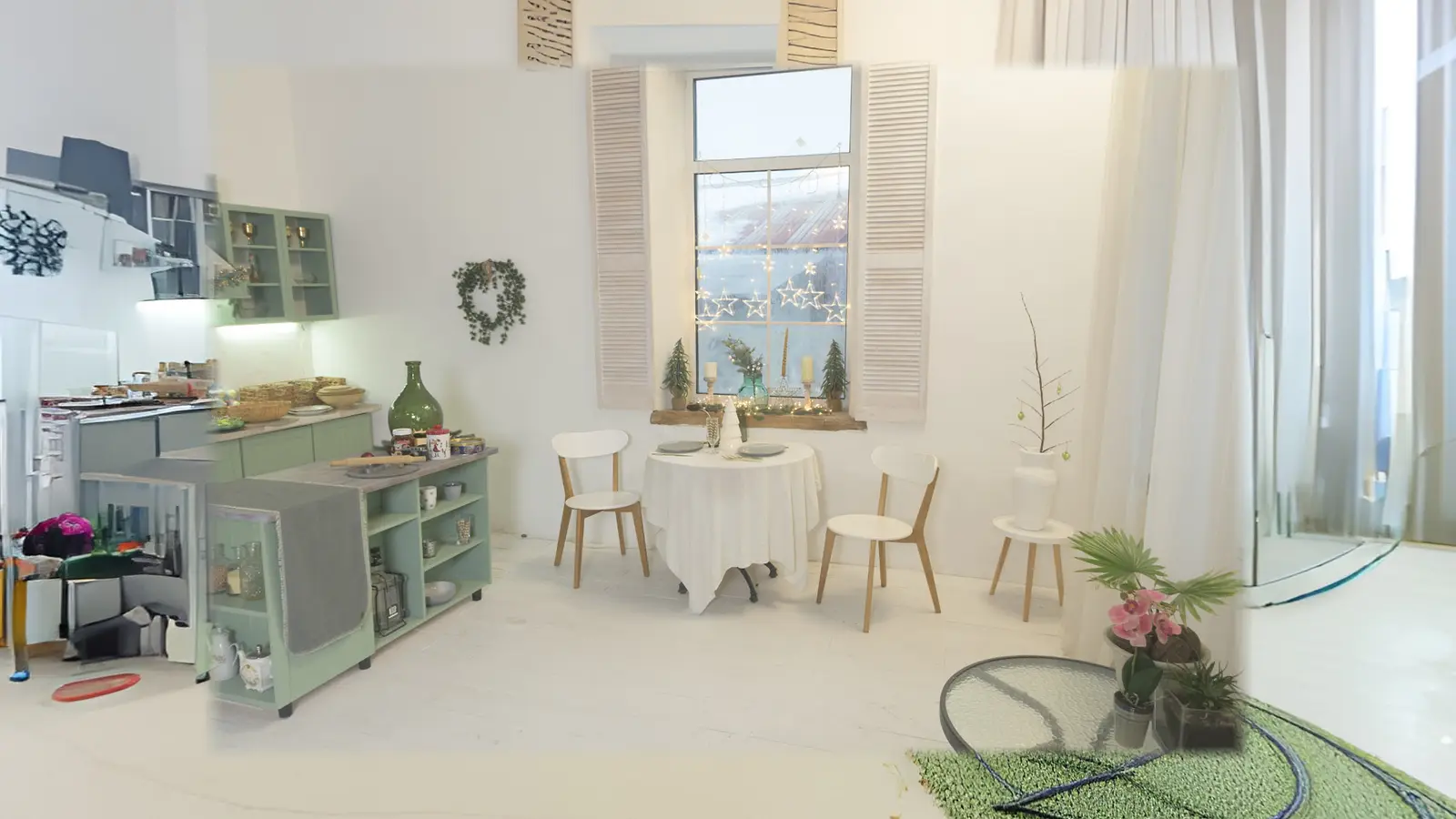
Generated by AI beyond the photo's edges
On which screens
| On which screens | Phone and tablet | Computer | Meta Quest | TV |
|---|---|---|---|---|
| 3D photo from a 2D photo (AI)Experimental | Yes | Yes | Yes | Yes |
| 360° panorama from a 2D photo (AI)Experimental | Yes | Yes | Yes | Yes |
| 3D scene from a 2D photo (AI)Experimental | Yes | Yes | ||
| 3D versions next to the photos of a share (AI)Experimental | Yes |


Get it on your screens.

GitHub
Windows · macOS · Linux · Android TV · LG · Samsung · APK
Build 42 on GitHub, November 6, 2026 · Desktop build 22, November 6, 2026